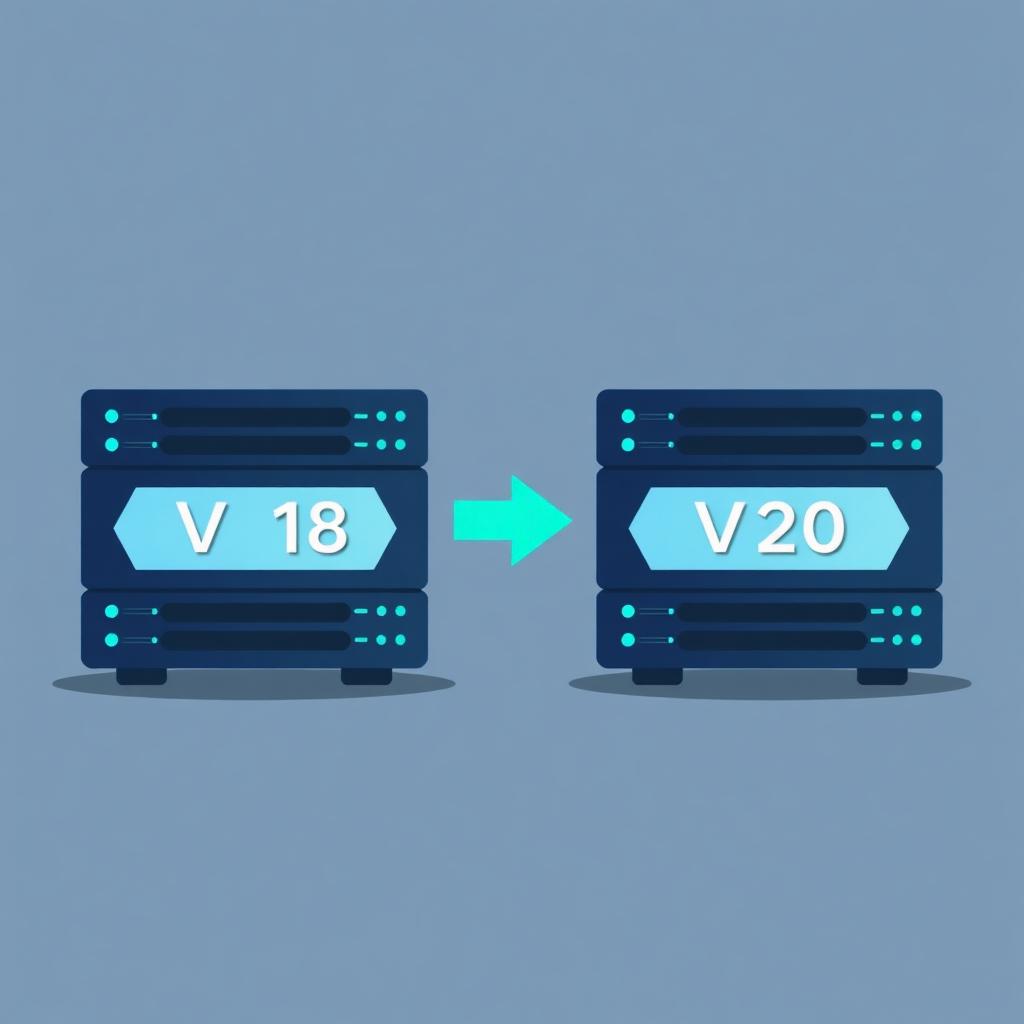
If you run a 3CX system today, the upgrade from Version 18 to Version 20 is the biggest architectural shift the platform has seen in years. It's not a routine point release — the web client, the admin console, the way add-ons hook into the system and even the underlying web server have all changed.
This guide walks through what's actually different, what to plan for, and where VoIP Setu fits — because one of the most common questions our customers ask is: "if we upgrade, will our analytics, wallboards and integrations still work?" Short answer: yes. Long answer below.
Why V20 exists in the first place
V18 was built on an older 3CX architecture that bundled Nginx, several legacy services, and a separate management console. As 3CX moved toward a leaner, browser-first product, V18 became harder to maintain and slower to evolve. V20 is the rebuild:
- Unified web client and admin into a single, modern interface
- Replaced the old web server stack with a leaner runtime
- Reorganized add-ons, modules and third-party integrations around a new extension model
- Tightened security defaults (HTTPS-only, stricter session handling)
- Brought the desktop and mobile apps onto the same code path as the web client
This is good news long-term. It's also why a V18 to V20 upgrade is not the same as a normal patch.
The headline differences
1. One unified web interface
In V18, agents lived in the Web Client and admins lived in the Management Console — two separate experiences. In V20, both are merged into a single web app with role-based views. Admins see admin tools, agents see agent tools, supervisors see both.
For day-to-day users this is a clear upgrade. For admins used to muscle-memory navigation in the old console, expect a short relearning curve.
2. New admin model and permissions
V20 reorganizes how user roles, departments and queue ownership work. Permissions are more granular, but the migration mapping from V18 roles is not always 1:1 — review your role assignments after upgrading rather than assuming everything carried over cleanly.
3. Add-ons, modules and integrations
This is the area that breaks the most upgrades. V18 add-ons that depended on the old web server or the legacy management API will not run on V20 unchanged. Anything that:
- Polled the old 3CX REST endpoints
- Injected scripts into the V18 web client
- Relied on the old call control API surface
…needs to be re-validated on V20. CRM integrations, dialer add-ons, recording exporters and custom reporting layers all fall in this bucket.
4. Web server and certificates
V20 ships with a different embedded web server and stricter certificate handling. Self-signed certs and older TLS configurations that V18 tolerated may be rejected. Plan for a clean cert renewal as part of the upgrade window.
5. Reporting and call history
V20 ships an improved built-in reporting view, but the underlying data model has changed in places. Custom SQL reports written against the V18 database schema almost always need to be rewritten. If you've built dashboards on top of V18's tables, treat that as upgrade work — not a post-migration cleanup.
6. Desktop and mobile apps
V20 standardizes on the new apps. Older V18 desktop and mobile clients eventually stop being supported against a V20 server. Plan a rollout to update every endpoint.
What stays the same
- SIP trunks, extensions, queues and IVR logic carry over.
- Call recordings remain accessible (the storage layout is preserved).
- Your dial plan and inbound rules migrate.
- The fundamental call-flow concepts you know from V18 still apply.
If you're worried the platform you know is gone — it isn't. The plumbing is the same. The cockpit is new.
What breaks (and how to plan)
Based on what we see on real customer upgrades:
- Custom add-ons built against V18 internals — assume they need work.
- CRM and helpdesk integrations that used the old click-to-call or screen-pop endpoints — re-validate.
- Dashboards and exports built on V18 SQL — rewrite against the V20 model.
- Certificates and reverse proxies — re-issue and re-test.
- Older endpoints — audit desktop and mobile app versions across the fleet before cutover.
A safe upgrade pattern:
- Stand up V20 in a parallel environment with a copy of the config.
- Re-test every third-party integration against the V20 instance.
- Pilot with one team or one queue for a week.
- Cut over outside business hours with a documented rollback path.
Where VoIP Setu fits
This is the part our customers care about most: do we lose our wallboards, smart reports, call journey explorer, auto dialer and AI reporting when we move to V20?
No. VoIP Setu is designed to ride on top of 3CX as a real-time middleware and API layer — not as a V18-only add-on bolted into the old web client. That means:
- Live wallboards and queue monitoring continue to work after the upgrade.
- Smart reports and AI Smart Reports keep producing the same answers, against the V20 data path.
- Call Journey Explorer continues to trace calls end-to-end.
- Auto dialer campaigns, dispositions and pacing are unaffected by the V18 → V20 cutover.
- Custom integrations built with VoIP Setu's APIs (CRM popups, ticket sync, webhook pipelines) keep running — you don't rewrite them every time 3CX ships a major version.
In other words, the analytics and automation layer your supervisors rely on is decoupled from the 3CX version underneath. Upgrade the PBX on your schedule; the operational cockpit stays put.
We're an official 3CX Gold Partner in India (ID 219274) and the United States (ID 245273). We run V18 and V20 deployments side by side every week — if you want a second pair of eyes on your upgrade plan, we can sanity-check it before you touch production.
Should you upgrade now?
A rough decision guide:
- Running V18 with light customization — plan the upgrade in the next quarter. The unified UI and security improvements are worth it.
- Running V18 with heavy custom integrations — inventory every integration first, then schedule. Don't upgrade blind.
- Running V18 on end-of-life hardware or OS — pair the V20 upgrade with the infrastructure refresh; doing both at once is cheaper than doing them twice.
- Already on V20 — make sure your add-ons and reporting layer are actually V20-native, not V18 leftovers limping along.
The upgrade is no longer optional in the long run. The platform is moving forward. The question is whether you do it on a calm Tuesday with a plan, or on a stressful Friday with a forced deadline.
Three teams. Three quiet wins.
None of these stories started with a software purchase. They started with a question the existing reports couldn't answer.
A 60-seat BPO running V18 with a custom CRM popup
The team feared the V20 upgrade would kill the screen-pop integration their agents had used for three years.
What changed
VoIP Setu's API layer absorbed the change — the popup kept working on V20 day one, no rewrite, no downtime.
A regional 3CX partner managing 40+ customer PBXs
Each upgrade cycle meant re-testing dashboards and reporting add-ons one customer at a time.
What changed
Because wallboards and smart reports run on VoIP Setu instead of V18 internals, the partner upgrades customers to V20 without touching the analytics stack.
An IT lead at a mid-market enterprise
Leadership wanted V20's security posture, but compliance wouldn't sign off without proof the call-journey audit trail survived.
What changed
Call Journey Explorer kept producing the same end-to-end trace on V20 as on V18 — compliance signed off in the same meeting.
Something to sit with
If you had to upgrade your 3CX tomorrow morning, do you know which integrations would survive — and which would silently break by lunchtime?
VoIP Setu is built by people who've sat in the supervisor seat. No pitch, no pressure — just a 20-minute walkthrough on your own SC tier, and you decide.